
Quick answer: You cannot force Google to index a backlink. You can help by making sure the linking page is crawlable and worth indexing, by linking to it from other pages Google already visits, and by using Search Console to request indexing for pages you own. Avoid mass pinging and indexing services, which can look like spam.
Key takeaways
- A backlink only counts once Google has indexed the page that contains it.
- Google does not guarantee indexing, and repeated requests do not make crawling faster.
- Request Indexing in Search Console works for sites you own, not for someone else’s page.
- Good internal links and a clean page are the most reliable ways to help.
- Be patient: crawling can take days to weeks.
First, check if the backlink is really not indexed
Do not assume there is a problem. Check these points first:
- Is the page live? Open the linking page and confirm your link is there.
- Is the page indexed? Search Google for the exact page address. If you own the site, paste the URL into the URL Inspection tool in Search Console. It shows whether the URL is on Google.
- Is Google already reporting the link? Open the Links report in your own Search Console and export Latest links. See how to check who is linking to your website.
Remember that Google describes its Links report as a sample, and some links are omitted, so a missing link in the report does not always mean the page is not indexed. If your link is still missing, read backlinks not showing in Google Search Console.
Method 1: Make sure nothing is blocking the page
A page cannot be indexed if it tells Google not to. Check the linking page for these common blockers:
- A
noindexrobots meta tag or header. - A
robots.txtrule that blocks the page. - A canonical tag pointing to a different URL.
- A login wall, a redirect or an error page.
Note that a nofollow attribute on your link does not stop the page from being indexed. It only affects how the link is treated. See dofollow vs nofollow links.
Method 2: Link to the page from pages Google already crawls
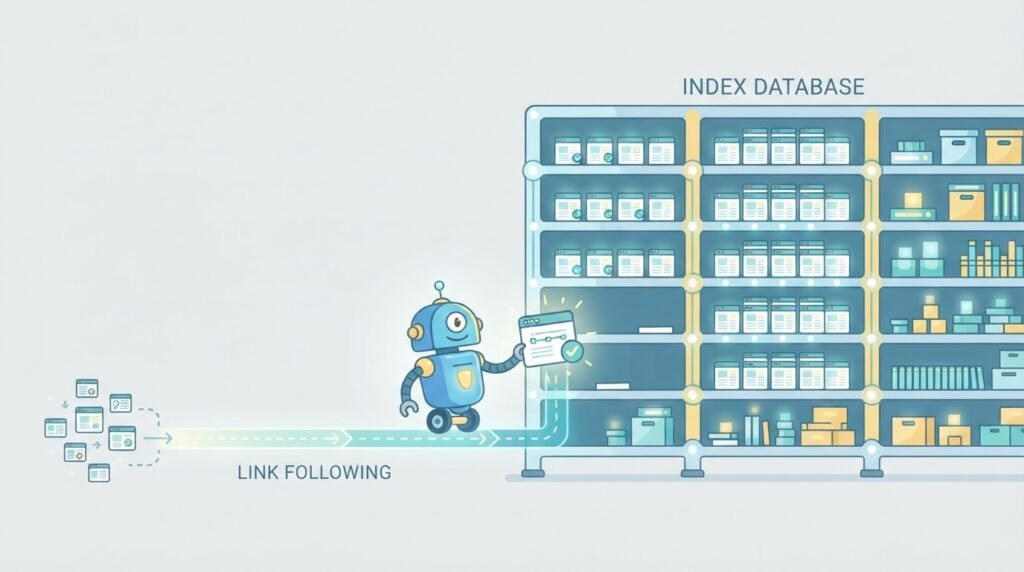
Google finds pages by following links. The linking site can help by linking to the new page from its homepage, a category page or a related popular article. If you bought a guest post, ask the publisher whether it can appear on a category or “latest posts” page. You can also link to it from your own pages and social profiles.
Method 3: Check that the page is worth indexing
Google does not index every page it finds. Thin, duplicate or low-value pages are often skipped. A page that is original, useful and clearly written is more likely to be indexed. Google Search Console may label such pages Crawled – currently not indexed or Discovered – currently not indexed. If this happens to a guest post, our guide on guest posts that are not indexed explains the causes.
Method 4: Use a sitemap (if you control the site)
If the page is on your own website, submit an XML sitemap in Search Console. Google’s sitemap documentation explains how sitemaps help Google discover pages. A sitemap helps discovery, but it does not guarantee indexing.
Method 5: Request indexing for pages you own
In Search Console, paste a URL into the inspection bar, then click Request indexing. This asks Google to crawl the page. Keep these limits in mind:
- Submitting a request does not guarantee that the page will be indexed.
- Repeating the request for the same URL does not make crawling faster.
- There is a daily quota, and Google does not publish the exact number.
- You can only request indexing for properties you have verified. You cannot do it for another website’s page.
Google’s Indexing API is not a shortcut for backlinks either, because it is intended only for job posting and livestream content.
Method 6: Share the page naturally
If the page is genuinely useful, share it in your newsletter, on social media or in a relevant community. Real visitors and real links can help Google discover the page. Social links are often nofollow, so treat them as a possible help for discovery, not a ranking tool.
Method 7: Be patient and recheck
Crawling can take days to weeks, and longer for new or low-signal sites. Recheck after one to two weeks. If the page is still not indexed after several weeks, ask the publisher to check the page for blockers and quality issues.
What to avoid
- Mass pinging and “indexer” services. They can create low-quality signals and rarely fix the real problem.
- Spam links to the linking page. Building junk links to speed up indexing can break Google’s spam policies.
- Repeated request spam. Resubmitting the same URL over and over does not help.
- Judging too soon. A brand new link is not a failure.
Quick troubleshooting table
| What you see | Likely cause | What to try |
|---|---|---|
| Page not found on Google | Not crawled yet or blocked | Check for noindex, add internal links, wait |
| Discovered, currently not indexed | Google knows the URL but has not crawled it | Add links from crawled pages, improve quality |
| Crawled, currently not indexed | Google saw it but chose not to index it | Improve content and uniqueness |
| Page indexed but link missing from your report | Reports are samples | Recheck later and compare with other tools |
Frequently asked questions
How long does it take for a backlink to be indexed?
It can take days to weeks. Google says crawling can take a while and does not promise indexing, so there is no guaranteed timeline.
Can I request indexing for a backlink on another website?
No. Request Indexing only works for URLs in a property you have verified in Search Console. Ask the publisher to help instead.
Do indexing tools work?
They are not reliable and can create spam signals. Fix the real cause, such as blockers, quality or poor internal linking.
Does a nofollow link get indexed?
The page can be indexed, but the nofollow link passes value differently. The attribute does not block indexing of the page.
Will an indexed backlink improve my rankings right away?
Not usually. See how long backlinks take to work.
How we wrote this guide
This guide follows Google’s Search Console and sitemap documentation, which we link, and common industry practice. Google does not publish how fast it indexes any page, so we avoid promising a timeline.
Next step
When you order a guest post, ask the publisher how and when the page will be linked internally. Read how to buy guest posts in 2026 and learn how Markwood works. Disclosure: Markwood sells guest post placements. Browse All Sites.