
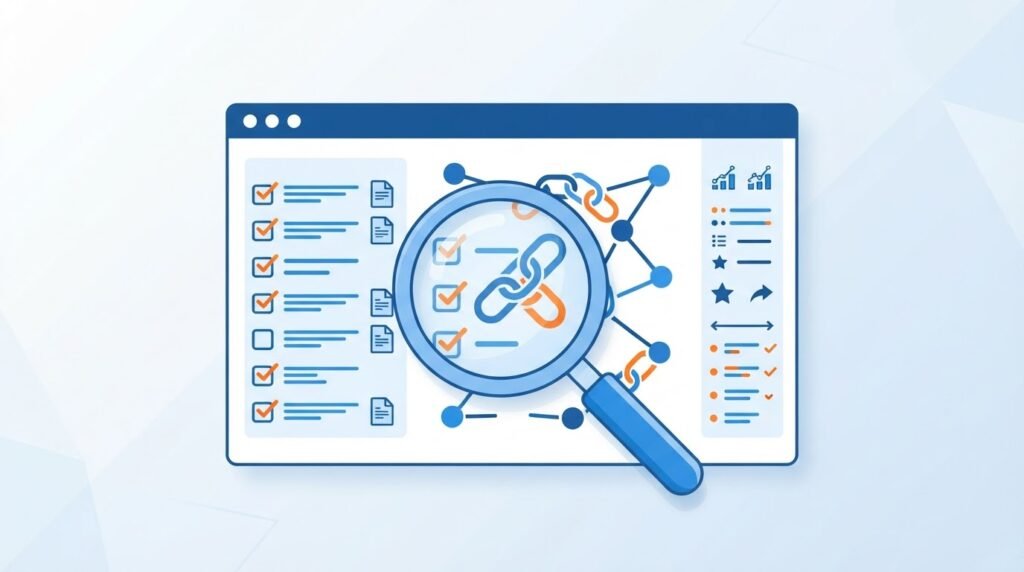
Quick answer: A backlink checker is a tool that shows which websites link to a page or domain. For each link it usually reports the linking page, the anchor text, the link type (followed, nofollow, sponsored or ugc) and a strength score. You use it to audit your own links, spy on competitors, find link opportunities and spot problem links.
Key takeaways
- A backlink checker lists the sites that link to a URL or domain.
- It builds that list from its own web crawl, so every tool shows slightly different results.
- The most useful details are referring domains, anchor text, link type and whether the link is still live.
- Scores such as DA and DR are tool metrics, not Google metrics.
- Use two sources and confirm important links by opening the page.
What is a backlink checker?
A backlink is a link from another website to yours. A backlink checker finds those links for you. Instead of searching the web by hand, you type in a domain or page address and the tool returns a list of links it has found pointing there.
What does a backlink checker show?
| Data point | What it tells you |
|---|---|
| Referring domains | How many different websites link to you |
| Backlinks | The total number of links, including repeats from one site |
| Anchor text | The clickable words used in each link |
| Link type | Followed, nofollow, sponsored or ugc |
| Linked page | Which of your pages receives the link |
| New and lost links | Links gained or removed over time |
| Authority score | A tool-specific rating such as DR or DA |
Not every free tool shows all of this. Ahrefs describes the DR score in its own checker as a measure of “backlink popularity” for a site, which is a good reminder that it is the tool’s own metric (Ahrefs Backlink Checker). To understand the difference between scores, read DA vs DR.
How does a backlink checker work?
Each company runs its own crawler that visits web pages and records the links it finds. The results go into a private link database. When you search, the tool reads from that database. That is why a new link may take days or weeks to appear, and why two tools can report very different totals for the same site.
What can you use a backlink checker for?
- Audit your own links. See who links to you and which pages attract links.
- Study competitors. See where rival sites earn links, then look for similar opportunities.
- Find lost or broken links. Reclaim links that point to deleted pages by redirecting them.
- Check a seller’s site before buying a link. Look at who links to it and whether it looks natural. Our guide to buying guest posts explains the red flags.
- Spot suspicious links. Read our toxic backlinks guide before you disavow anything.
What a backlink checker cannot do
- It does not show Google’s data. Google says the Search Console links report is a sample, and third-party tools have their own gaps.
- It cannot prove a link helps rankings. It only shows that the link exists.
- It cannot judge quality for you. A high score does not guarantee that a link is relevant or editorial.
Free vs paid backlink checkers
Free checkers are fine for quick looks. Ahrefs’ free checker, for example, limits what you can see, while the free Ahrefs account lets verified site owners view up to 1,000 backlinks at once for their own sites (Ahrefs Free). Paid tools give bigger databases, competitor research and monitoring. See our comparison of the best backlink checker tools or learn how to check backlinks without paid tools.
Frequently asked questions
What does a backlink checker do?
It finds and lists the websites that link to a page or domain, together with details such as anchor text, link type and a strength score.
Are backlink checkers accurate?
They are good for trends and comparisons but never complete. Each tool crawls the web differently, so compare referring domains rather than raw totals.
Can a backlink checker show my competitor’s links?
Yes, most paid tools and some free ones can. Google Search Console only shows links for sites you own.
How often should I check backlinks?
Monthly is enough for most sites. Check sooner after a campaign or new guest post. If a link is missing, see why backlinks are not showing in Google Search Console.
How we wrote this guide
This guide draws on Google’s Search Console documentation and on the official pages of the tools we mention. We describe what these tools report, not what Google uses internally, because we cannot see Google’s systems.
Next step
Learn how to check who is linking to your website. Disclosure: Markwood sells guest post placements, which you can browse on our All Sites page. The advice above works without our service.