
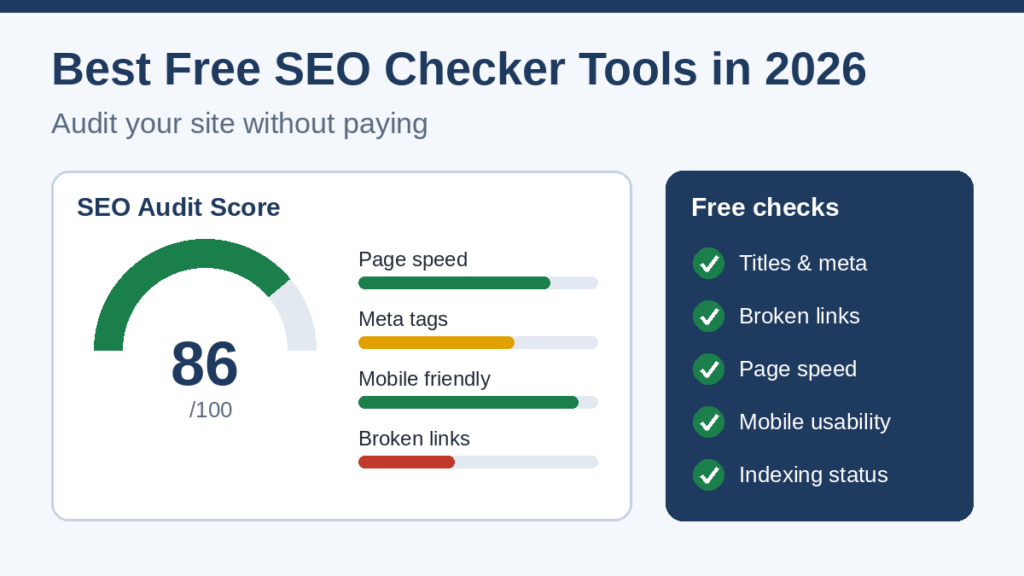
A free SEO checker lets you scan your website for technical errors, broken links, missing meta tags, and slow page speeds in seconds—without needing an expensive monthly subscription. If you want to fix why a page isn’t ranking, starting with Google Search Console, Ahrefs Webmaster Tools, or Screaming Frog (Free Version) will uncover 90% of your on-page and technical SEO issues immediately.
In practical site audits, most websites lose traffic not because they lack backlinks, but because of hidden crawl blocks, duplicate title tags, or poor mobile usability. Below is a breakdown of the best free SEO audit tools available right now, what each one actually checks, and a step-by-step workflow to fix your site.
Key Takeaways:
Best Overall First-Party Data: Google Search Console (100% free, direct from Google).
Best All-in-One Technical & Backlink Audit: Ahrefs Webmaster Tools (free for verified site owners).
Best for Deep On-Page Crawling: Screaming Frog SEO Spider (free up to 500 URLs).
Pro Tip: Never rely on a single “SEO Score” number; focus on fixing crawlability, indexing, and search intent issues first.
Top 6 Free SEO Checker Tools Compared
Not every free SEO analyzer does the same job. Some check single pages on the fly, while others crawl your entire domain. Use this table to pick the right tool for your current task:
| Tool Name | Best For | Free Limit | Sign-Up Required? |
| Google Search Console | Indexing, Core Web Vitals & real search clicks | Unlimited (Your own sites) | Yes (Site verification) |
| Ahrefs Webmaster Tools | Full site health audits & backlink checks | Unlimited crawls (Verified sites) | Yes (Site verification) |
| Screaming Frog SEO Spider | Finding broken links, redirects & missing tags | Up to 500 URLs per crawl | No (Desktop software) |
| Google PageSpeed Insights | Mobile & desktop speed + Core Web Vitals | Unlimited URL checks | No |
| Semrush Site Audit | Guided technical fixes & on-page SEO ideas | Up to 100 pages per month | Yes (Free account) |
| SEOptimer / Neil Patel SEO Analyzer | Quick single-page SEO snapshots | 1–3 scans per day | No |
1. Google Search Console (Best for Real Google Data)
Before using any third-party free SEO checker, set up [EXTERNAL LINK: Google Search Console official dashboard -> Google Search Console]. Because this data comes straight from Google, it is the most accurate way to see how the search engine crawls and indexes your pages.
-
What it checks: Indexing errors, mobile usability, Core Web Vitals, manual penalties, and exact impressions/clicks per keyword.
-
Practical Tip: Open the Pages report under the Indexing tab. Filter by “Not indexed” to see if important articles are stuck in “Crawled – currently not indexed”—a common sign that Google needs better internal links or stronger content depth on those URLs.
2. Ahrefs Webmaster Tools (Best for Comprehensive Site Audits)
Most people assume Ahrefs is strictly paid, but Ahrefs Webmaster Tools (AWT) is completely free once you verify ownership of your website.
-
What it checks: Over 140 technical SEO issues including orphan pages, redirect chains, slow pages, duplicate content, and incoming backlinks.
-
Why it stands out: Unlike basic single-page checkers, AWT crawls your entire site on a schedule and prioritizes errors by how much they impact your rankings.
3. Screaming Frog SEO Spider (Best for On-Page & Link Audits)
If you prefer a desktop crawler that gives raw, unfiltered data, Screaming Frog’s free version allows you to crawl up to 500 URLs—more than enough for small to medium blogs and business websites.
-
What it checks: Missing H1 tags, duplicate meta descriptions, oversized images, broken internal links (404s), and canonical tag errors.
-
Common Mistake to Avoid: Beginners often panic when Screaming Frog flags hundreds of “warnings.” Ignore minor items like meta keywords (which Google ignores) and focus strictly on 404 broken links, 301 redirect loops, and missing title tags.
4. Google PageSpeed Insights (Best for Speed & Core Web Vitals)
Page speed and user experience directly influence whether visitors stay on your page or bounce back to search results. Paste any URL into [EXTERNAL LINK: Google PageSpeed Insights speed testing tool -> Google PageSpeed Insights] to get a full performance breakdown.
-
What it checks: Largest Contentful Paint (LCP), Interaction to Next Paint (INP), and Cumulative Layout Shift (CLS) on both mobile and desktop.
-
Quick Fix: If your mobile score is under 50, check the diagnostics section—9 times out of 10, compressing large PNG/JPEG images into WebP format will boost your score immediately.
How to Run a Free SEO Audit in 4 Simple Steps
Running a scan is useless unless you fix what it finds. Follow this simple 20-minute workflow whenever you audit a page:
-
Check Crawlability & Indexing First: Run your URL through Google Search Console’s URL Inspection tool. Make sure it is indexed and not blocked by a
noindextag orrobots.txtrule. -
Audit Title Tags & Headings: Use a free on-page SEO checker to verify that your page has one clear H1 tag, descriptive H2 subheadings, and a title tag under 60 characters that matches search intent.
-
Fix Broken Links & Redirects: Scan your site for 404 errors. Point broken internal links to live, relevant pages—for instance, linking to your
[INTERNAL LINK: guide on SEO-friendly website directory structure -> /seo-directory-structure/]helps both users and crawlers navigate smoothly. -
Verify Mobile Speed & Image Alt Text: Ensure every image loads fast and includes descriptive alt text explaining what the visual shows.
What Free SEO Checkers Cannot Tell You
Even the best free SEO website checker has blind spots. Automated tools only check code and structure—they cannot measure human satisfaction.
A tool might give your article a 98/100 SEO score, yet the page still gets zero clicks. Why? Because tools cannot tell if your headline is boring, if your content simply repeats what ten other sites already said, or if search behavior is shifting toward AI-generated answers. Understanding [INTERNAL LINK: what is replacing traditional SEO in AI search -> /what-is-replacing-seo/] is just as critical as fixing technical errors.
Frequently Asked Questions (FAQs)
Are free SEO checkers accurate?
Yes, for technical and on-page elements like broken links, missing tags, and page speed, free SEO checkers are very accurate. However, third-party keyword volume and traffic estimates are only approximations—always rely on Google Search Console for exact click and impression data.
How often should I run an SEO check on my website?
Run a quick on-page SEO check every time you publish or update an important article, and perform a full site-wide technical audit once a month to catch broken links or accidental indexing issues.
Can I rank on Google using only free SEO tools?
Absolutely. Many niche sites and local businesses rank on Page 1 using nothing more than Google Search Console, Google Keyword Planner, PageSpeed Insights, and Screaming Frog’s free version combined with helpful, original content.
Why does my page have a high SEO score but low Google rankings?
An “SEO score” only measures technical basics (like keyword placement and meta tag length). Google ranks pages based on content helpfulness, originality, topical authority, and user engagement—factors that automated checkers cannot fully grade.